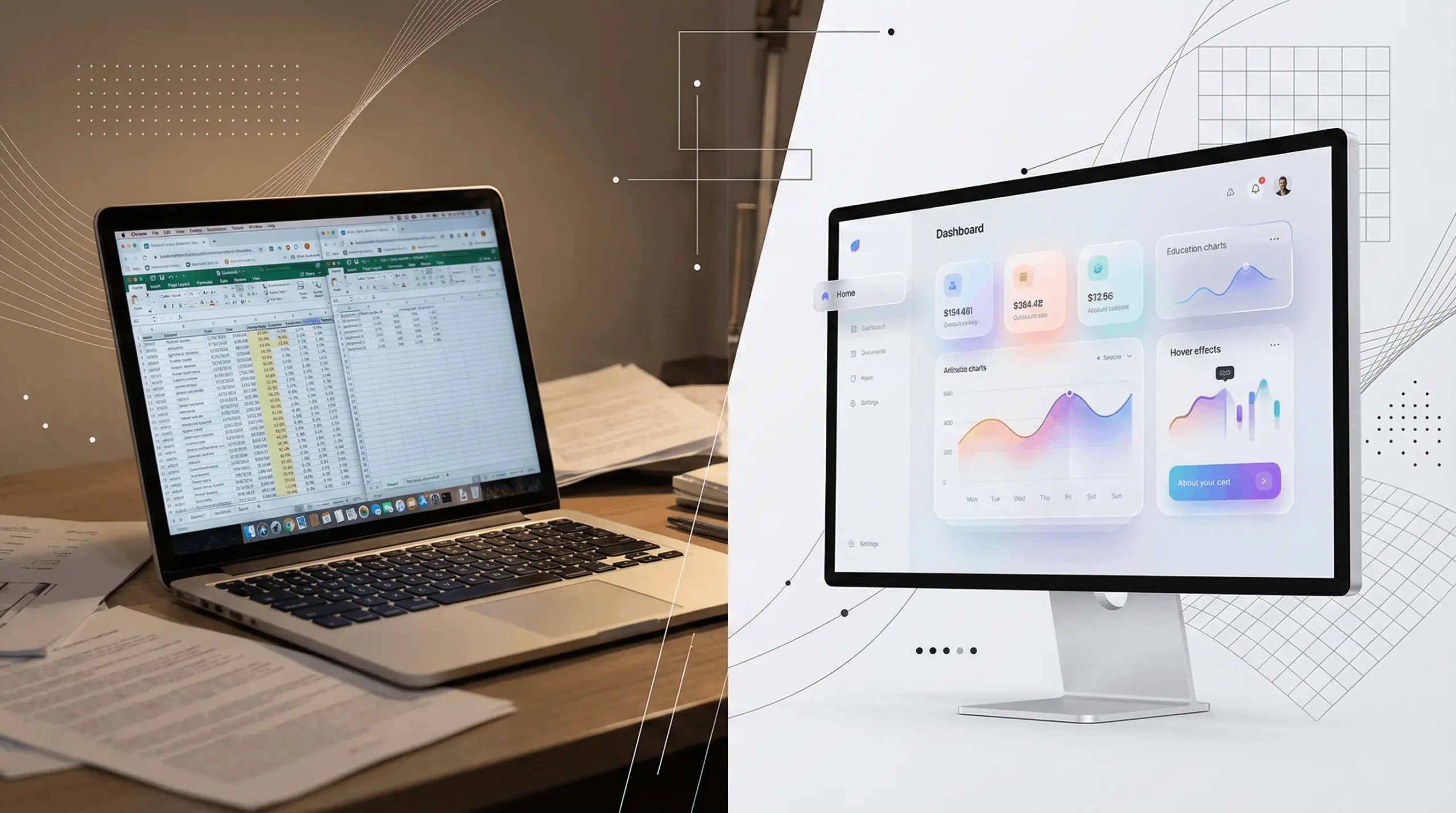
The problem isn’t Excel itself. It’s that modern procurement responsibilities have outgrown what spreadsheets were designed to do.
Here are the biggest cracks procurement teams experience every day.
1. No real-time collaboration
In 2026, collaboration happens instantly across tools like Google Docs, Figma, Slack, and Notion—yet procurement still circulates spreadsheets via email.
One person edits.
Everyone else waits.
Result:
Slow updates, stalled decisions, duplicate work.
2. Version confusion
The classic symptoms:
Leadership often reviews incorrect or outdated files—leading to misalignment and poor decision-making.
3. No access control
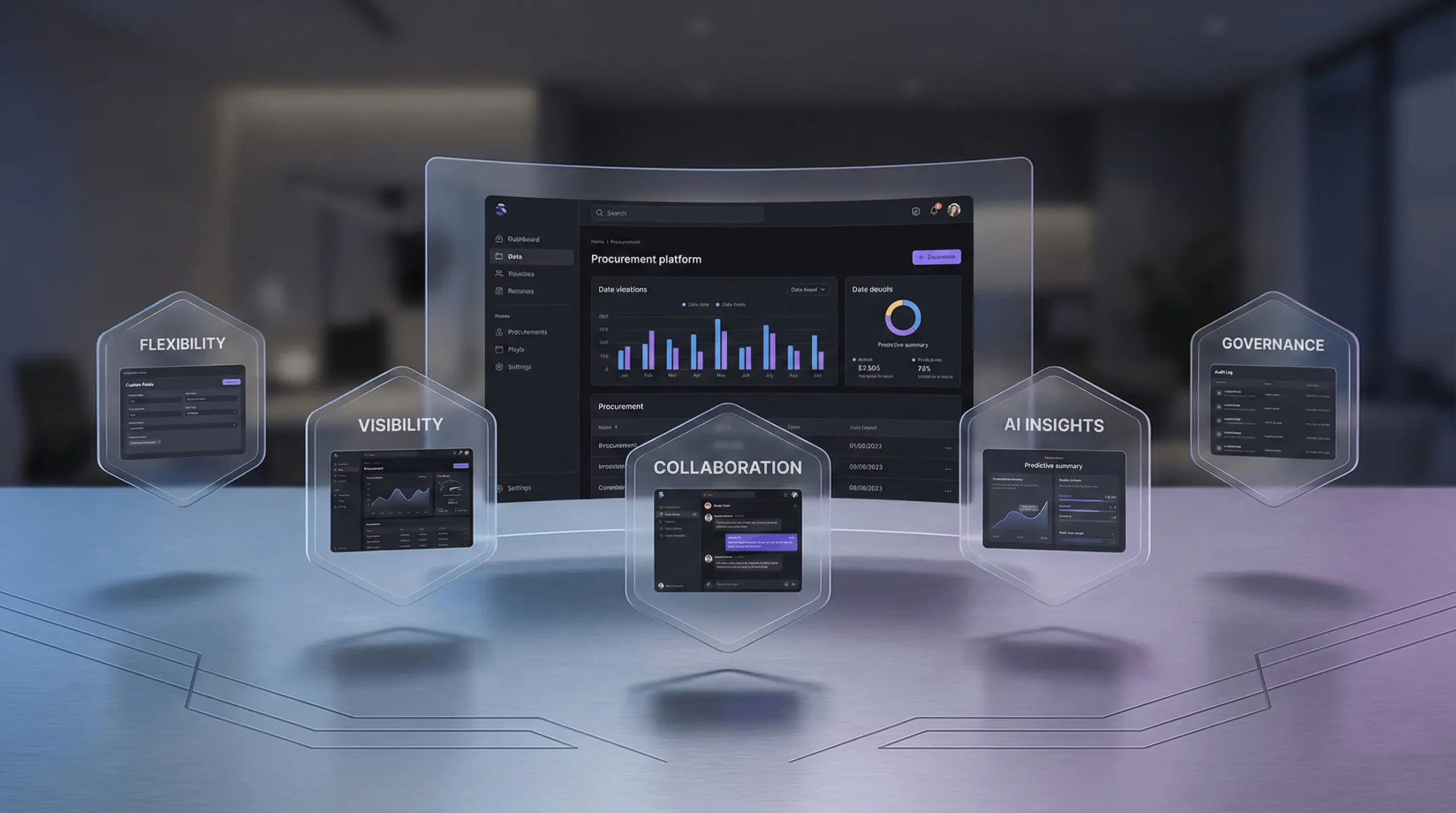
Excel can’t manage:
Who can edit what
Who can view what
Who changed what
And sharing sensitive data becomes a governance nightmare.
4. No audit history
Procurement relies heavily on context.
Excel offers no change logs beyond manual comments or “track changes,” which no one can maintain across a team.
5. No automation
Your dashboards don’t update.
Your savings don’t recalculate automatically across initiatives.
Your leadership reports don’t build themselves.
Your weekly summaries must be written manually.
In 2026, when AI can generate intelligent insights instantly, Excel still leaves procurement teams doing repetitive administrative work by hand.
6. It doesn’t scale
A 40-column pipeline works…
until the team grows.
And then grows again.
And suddenly:
18 people update the same file
14 variations exist in different folders
Nobody knows which one is correct
Reporting becomes painful
Leadership loses confidence
Excel is perfect for 1–3 people.
It collapses beyond that.
7. It creates chaos for leadership
CFOs and CPOs don’t want spreadsheets.
They want clarity:
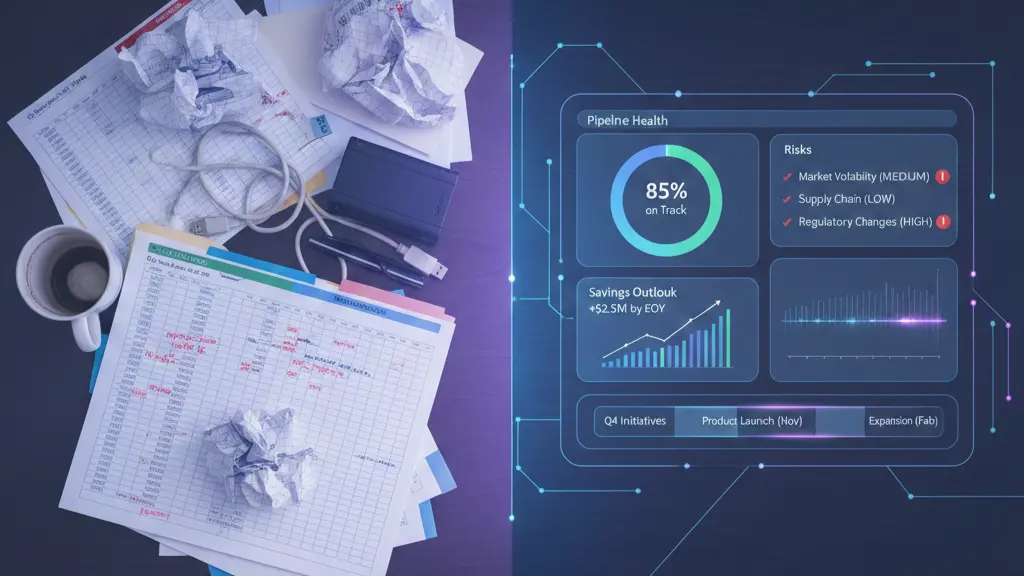
Pipeline health
Savings outlook
Risks
Timelines
Top opportunities
Stalled initiatives
Excel hides that clarity.
Dashboard screenshots aren’t enough.
Static charts get outdated the moment the file changes.
This visibility gap is now one of procurement’s biggest strategic challenges.